Orbislo Shield
A privacy feature that is also a price cut.
Most privacy features ask you to accept a cost for a benefit you cannot see. This one is the other way round. You can watch your own data counter move slower from the day you turn it on.
Where a quarter of your data actually goes
Load a typical news article on a phone and somewhere between 40 and 60 percent of the bytes that arrive are not the article. They are advertising creative, video preroll, analytics scripts, session recorders, and eleven separate trackers each opening its own connection to tell a company in another country that you are in Lisbon reading about football.
At home on wifi that is invisible and free. Abroad, on a metered travel plan, you are paying for every one of those bytes at travel eSIM prices. That is the part nobody mentions when they sell you a 5 GB pack. Roughly one gigabyte of it is going to be spent on things you did not ask for and did not see.
Shield blocks those domains before the request leaves your phone. There is nothing to download, so there is nothing to pay for. Pages also finish loading faster, because the slowest thing on most mobile pages is a third party script waiting on a server nobody is maintaining.
28.6%
Data saved in the closest audit of a bundled blocker
2.6 GB
Back on a 10 GB wallet, without buying it
Under 1%
Battery a day, because nothing runs in the background
$0
What Shield costs on every account
Encrypted DNS, in plain words
Every time you open a site, your phone asks a resolver to turn the name into an address. Traditionally that question travels in clear text, which means the network carrying it can read it. When you are roaming, that network is a carrier in a country whose data protection rules you have not read, and the question is the complete list of every site and app you open, in order, with timestamps.
Shield sends those lookups over DNS over HTTPS to our resolver instead. The roaming carrier sees an encrypted connection and cannot read the list. It also cannot silently answer with the wrong address, which is how injected advertising and captive portal hijacking work on cheap hotel networks.
We do not keep the list either. Resolver logs are aggregated within 24 hours and the raw query records are discarded, because a company that promises to protect your lookups and then stores them has built a liability rather than a feature.
Shield against a full VPN
These solve different problems and the marketing in this category usually blurs the two on purpose. Here is the honest split.
| Orbislo Shield | A full VPN | |
|---|---|---|
| Encrypts what sites you look up | Yes | Yes |
| Blocks trackers and ads | Yes, at the DNS layer | Only with an extra blocker |
| Cuts mobile data used | Roughly 24 to 28 percent | No, it adds 4 to 10 percent overhead |
| Hides your IP address | No | Yes |
| Makes you look like you are at home | No | Yes |
| Encrypts traffic on hotel wifi | Lookups only | All of it |
| Battery cost per day | Under 1 percent | 3 to 8 percent |
| Extra app to run | None | Yes |
| Price | Included | $5 to $13 a month |
Run both if you want both. Shield operates at the DNS layer and does not conflict with a VPN client, though a VPN that forces its own resolver will take over the blocking.
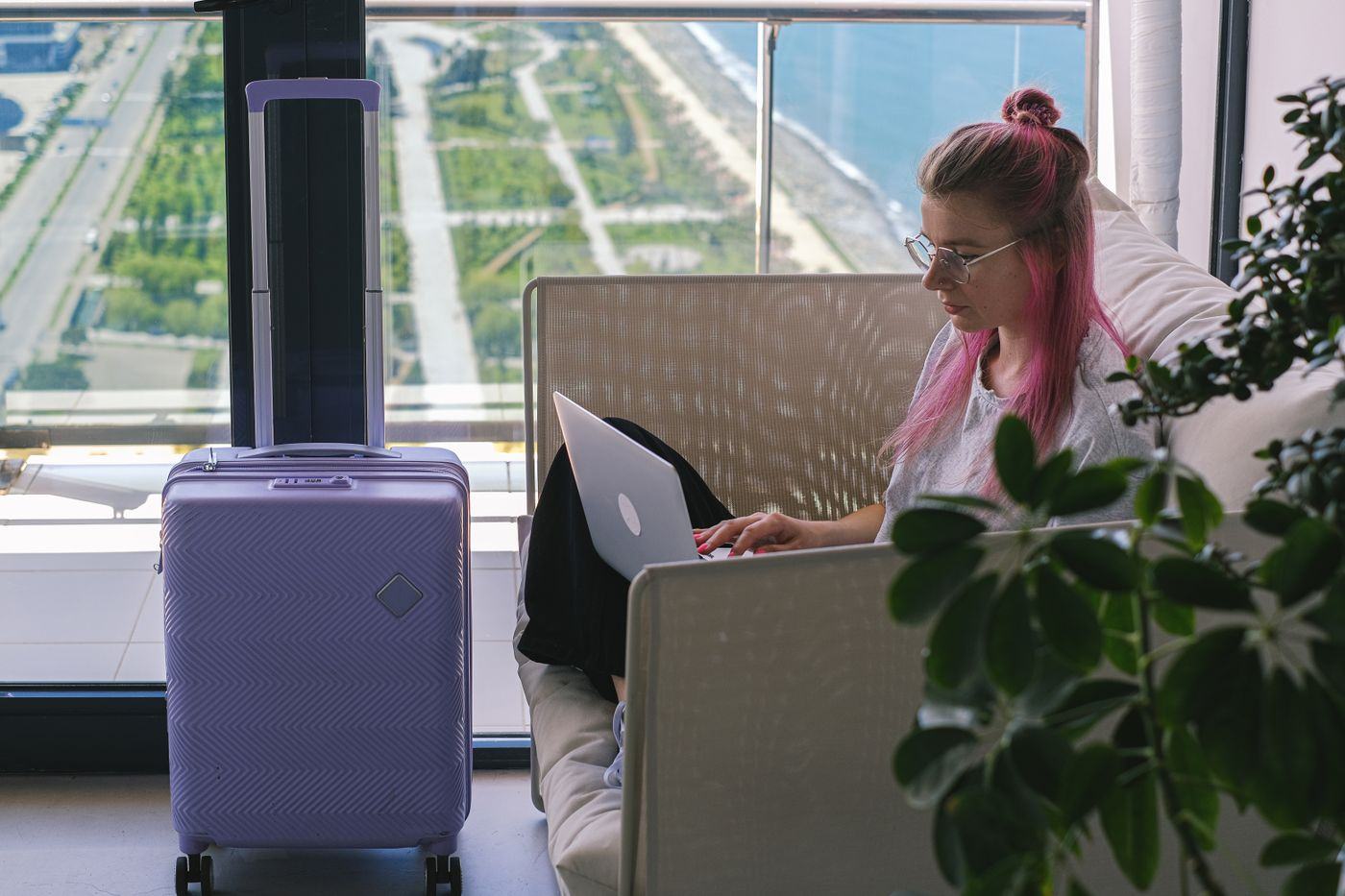
Public wifi, and what protection means here
Airport and hotel wifi is shared, unencrypted at the link layer more often than people think, and frequently run by a third party contractor whose business model is the data. The practical risks are lookup snooping, injected content, and captive portals that redirect you somewhere you did not choose.
Shield closes the first and the third of those. Your lookups are encrypted, so a shared network cannot compile your browsing list, and it cannot redirect you by lying about an address. What it does not do is encrypt the rest of your traffic. Almost everything you use is already on HTTPS, which handles that, but if you want the whole tunnel moved, that is a VPN and we said so in the table above rather than letting you assume.
There is also the simplest protection of all, which is not using hotel wifi. A wallet with data that does not expire makes that a realistic choice rather than a luxury, because you are not rationing gigabytes against a thirty day clock. See what a gigabyte costs before you decide the free network is worth it.
Border Mode
Border Mode is a switch you flip before a crossing. It does three specific things and it announces all three.
- Hides the apps you nominate behind a passcode, so a phone handed over unlocked does not open straight into your work messenger.
- Signs out of the accounts you listed, so a session that is not open cannot be scrolled.
- Stops automatic photo and cloud sync until you turn it off, so a device does not pull down four thousand images over an airport network while it sits on a desk.
Say plainly what this is. It is a convenience for people who prefer their phone not to be an unlocked filing cabinet in a queue. It is not legal advice, it is not a way to deceive an official, and refusing a lawful instruction from a border officer has consequences that no app can absorb for you. Know the rules of the country you are entering. Border Mode simply means the phone you hand over is tidy rather than wide open.